Browser extension
R22E Station
Synology Download Station by R22E
Add downloads, see what is moving, and manage your own Synology NAS from the browser—without opening Download Station every time.
The Store listing is not public yet. The official button will go live here once it is published.
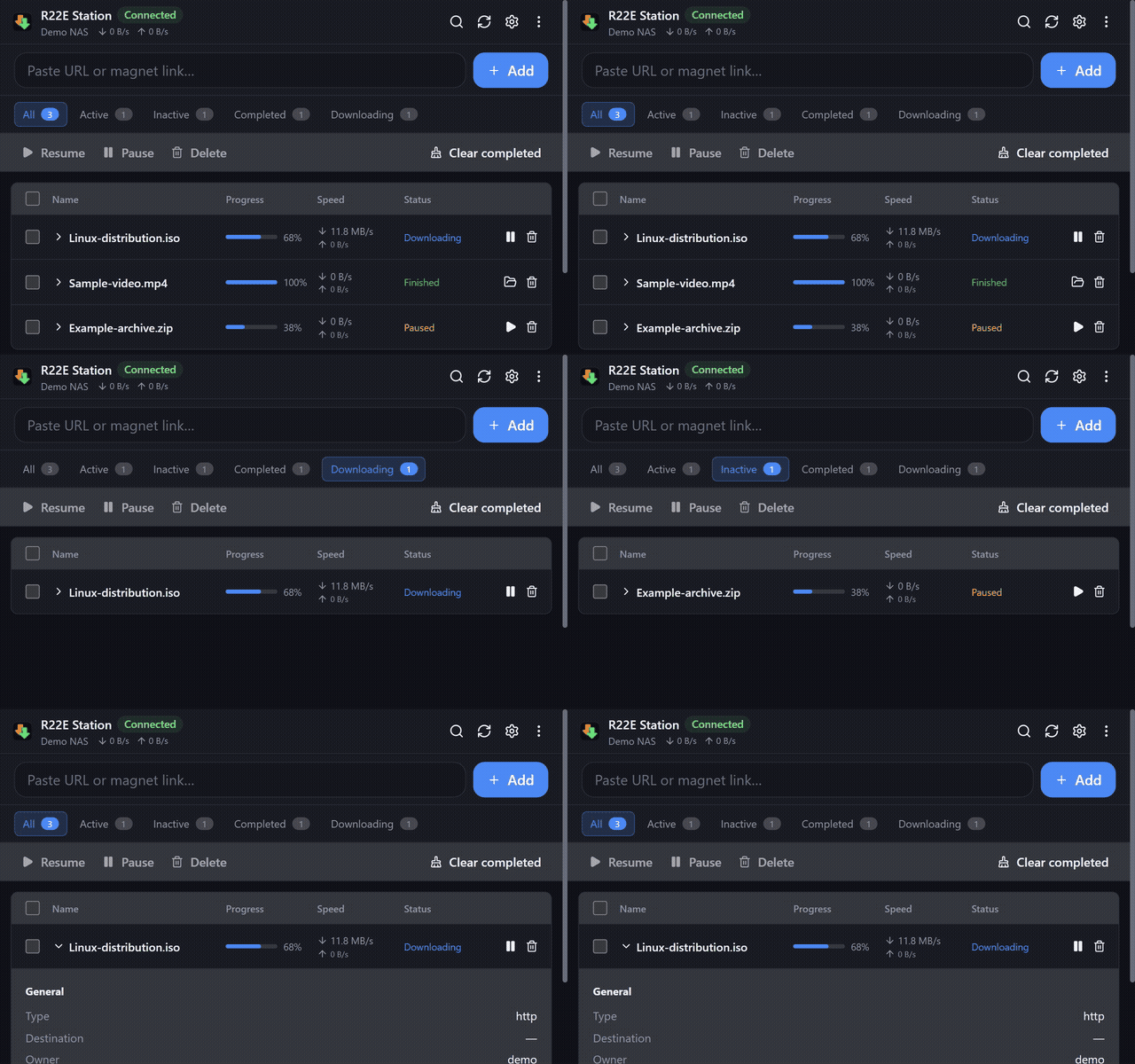
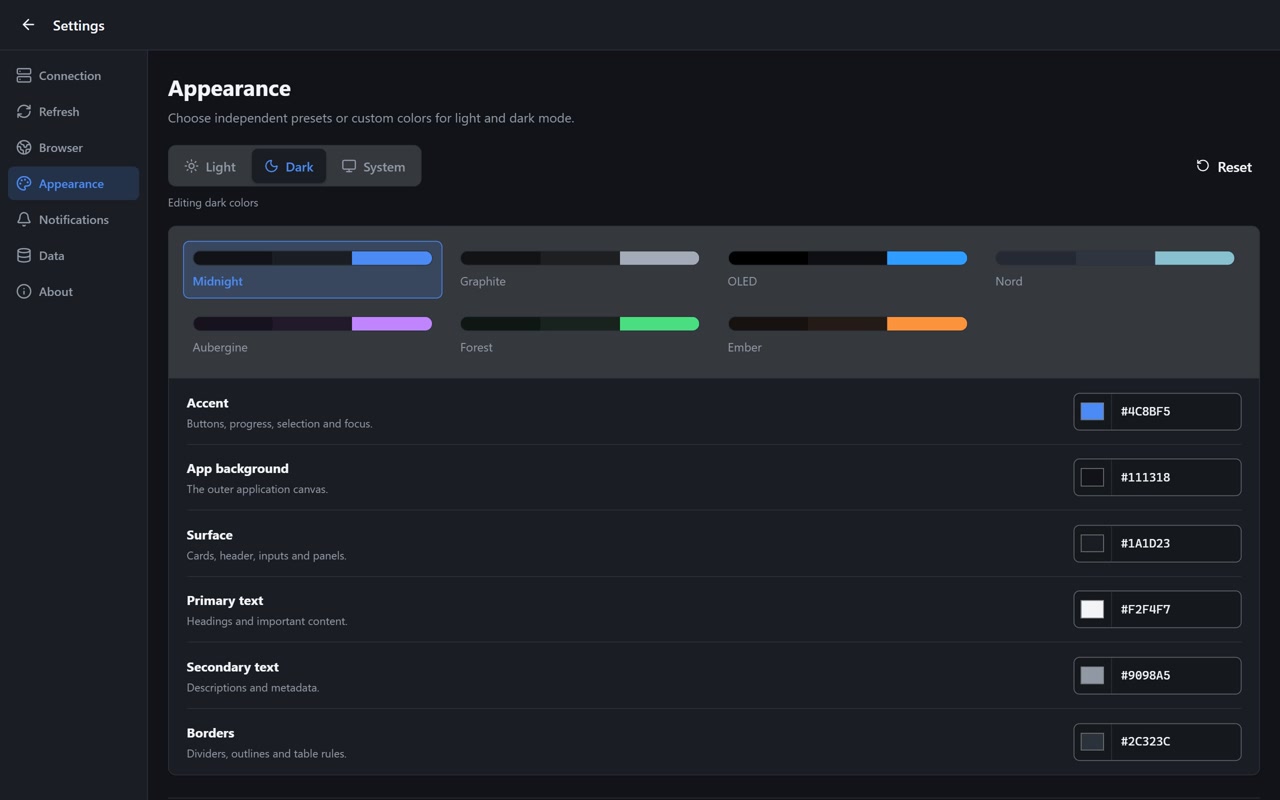
Actual extension UI · synthetic demo tasks · no personal NAS data
Made for everyday downloads
Everything important, close at hand.
A focused companion for Download Station, from quick add to the last percent.
Add in a moment
Send URLs, magnet links, and torrent files to Download Station from the browser.
Keep tasks in view
Use the popup or side panel to follow progress, speeds, and status while you browse.
Control every task
Pause, resume, remove, and open a finished download's destination in File Station.
Right-click to send
Send a selected link, or collect page links only when you choose that action.
Know when it finishes
Optional local alerts can tell you when a task completes or fails.
Your NAS, your connection
Connect to your own NAS without an R22E cloud account or telemetry service.
The interface
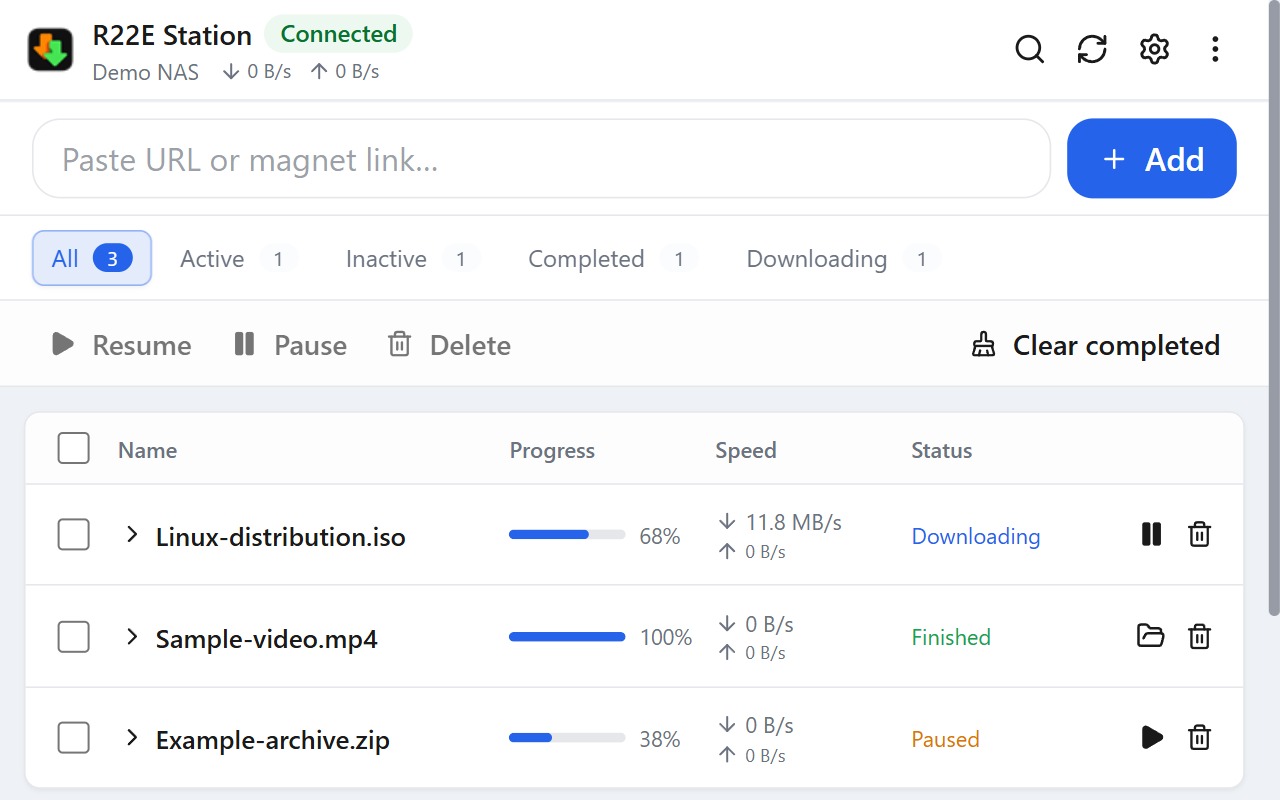
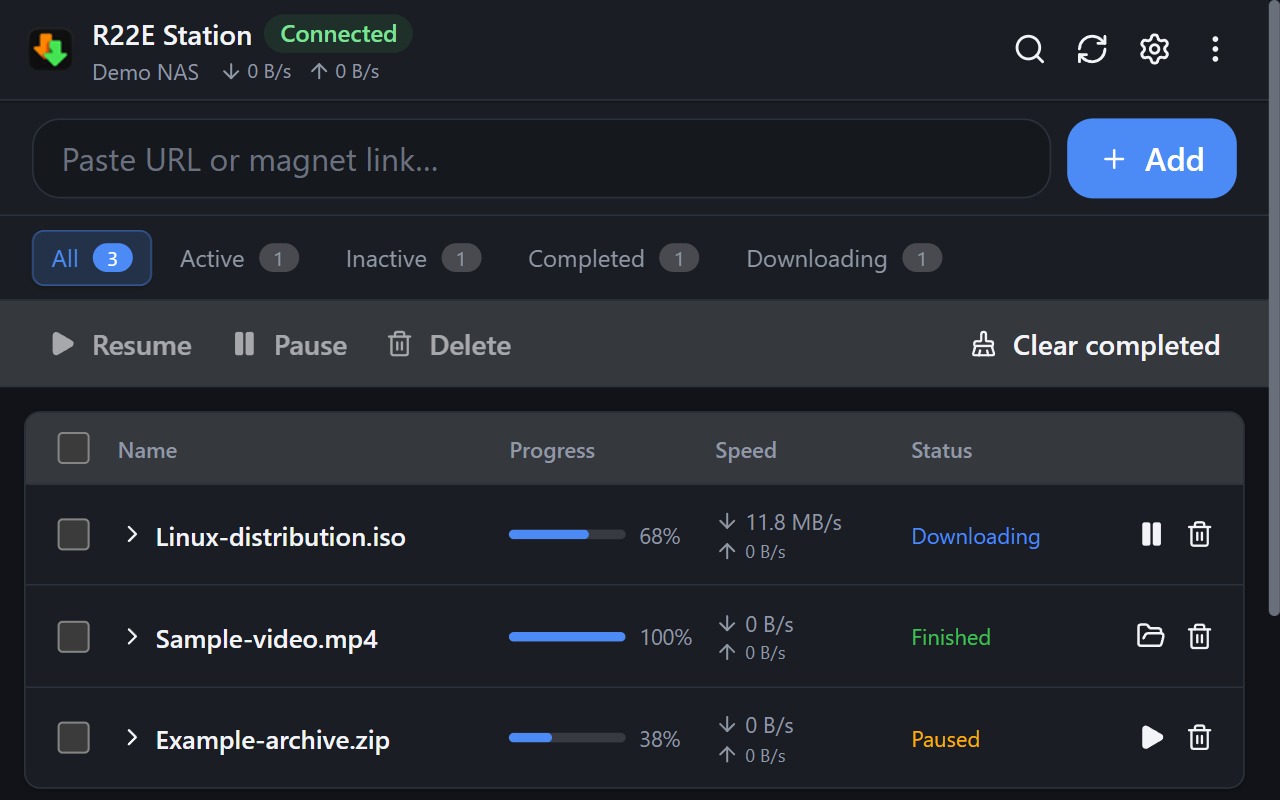
Comfortable in light or dark.
Full-width task controls, plus a compact layout that keeps per-task actions visible in a narrow side panel.
Get ready
Connect to your own NAS.
You need a compatible Synology NAS with Download Station and an account permitted to use it. Local NAS connections are recommended; HTTPS protects credentials and task data in transit.
QuickConnect-ID discovery is experimental, unofficial, and direct-route only. Relay connections are not supported. This project is independent of Synology Inc.
Availability
Store launch is being prepared
The Chrome Web Store page is not public yet. This page will point to the official listing when it becomes available. Tagged release packages and source code will be posted on GitHub.
View releases