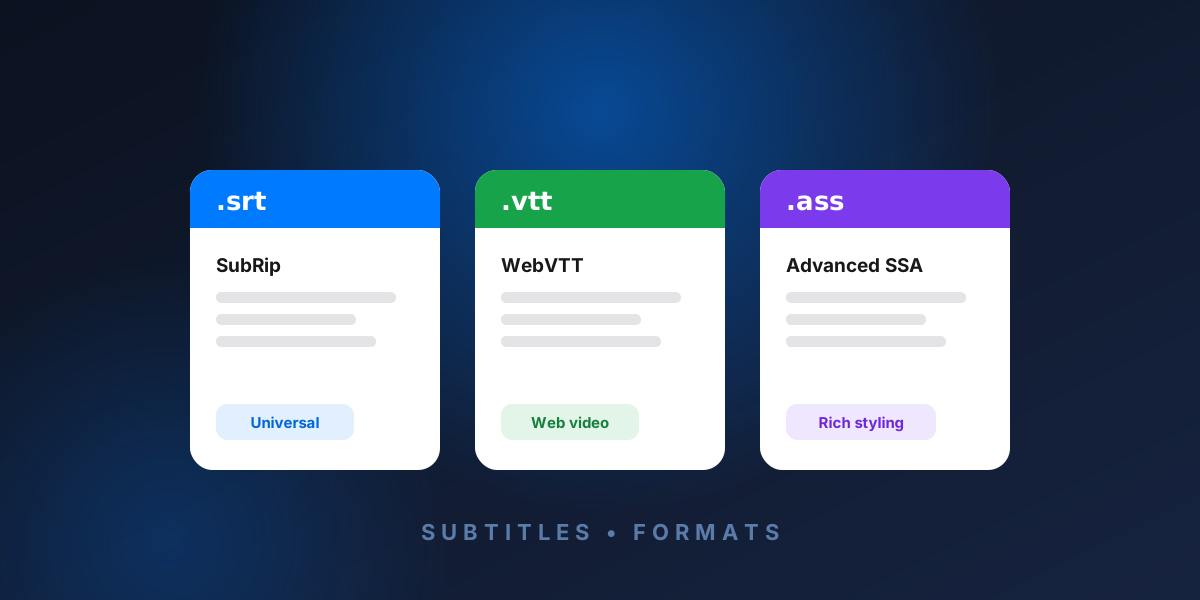
SRT, VTT, and ASS are the three most common subtitle formats. SRT (SubRip) is the universal plain-text standard, VTT (WebVTT) is designed for web video, and ASS (Advanced SubStation Alpha) supports advanced styling like fonts, colors, and positioning. Choosing the right one depends on where your subtitles will be played.
Quick comparison
| Feature | SRT | VTT | ASS / SSA |
|---|---|---|---|
| Extension | .srt | .vtt | .ass / .ssa |
| Compatibility | Universal | Web / HTML5 | Players that support it |
| Styling | None | Basic | Full (fonts, colors, positioning) |
| Millisecond separator | Comma (,) | Period (.) | Centiseconds |
| Best for | Everything | Websites | Anime & karaoke |
SRT (SubRip)
SRT is the most widely supported subtitle format in the world. It is plain text: each subtitle is a numbered block with a start/end timecode and the line of dialogue. There is no styling — just timing and text — which is exactly why it works almost everywhere.
1
00:00:01,000 --> 00:00:04,000
Welcome to the show.
Use SRT when you want maximum compatibility and don't need fonts or colors.
For structure, examples, and troubleshooting, read the complete guide to SRT subtitle files.
VTT (WebVTT)
WebVTT was created for HTML5 web video and is the format browsers expect for the <track> element. It looks almost identical to SRT, with two key differences: the file begins with a WEBVTT header, and timestamps use a period before the milliseconds instead of a comma. It also supports some basic styling and positioning.
WEBVTT

1
00:00:01.000 --> 00:00:04.000
Welcome to the show.
Use VTT when your subtitles will play in a web browser or HTML5 video player.
ASS / SSA (Advanced SubStation Alpha)
ASS is the most powerful of the three. It supports custom fonts, colors, outlines, positioning, and even simple animation, which is why it's popular for anime fansubs and karaoke. The trade-off is complexity: an ASS file has a header with style definitions and an [Events] section where each line is a Dialogue: entry.
Use ASS when you need precise control over how subtitles look and where they appear on screen.
Which subtitle format should you use?
- Pick SRT for general use and the broadest compatibility.
- Pick VTT for websites and HTML5 players.
- Pick ASS when styling and positioning matter.
How to convert or translate between formats
You don't have to be locked into one format. RelaySub reads .srt, .vtt, and .ass / .ssa files and exports back to the same format — while translating the text into more than 100 languages and keeping every timestamp in sync. With ASS files, your styling is preserved and only the dialogue is translated.
When you are ready, use the free subtitle translation walkthrough to move from source file to finished translation.
Try RelaySub — translate subtitles free →
Frequently asked questions
What's the difference between SRT and VTT?
They are nearly identical. VTT starts with a WEBVTT header and uses a period before milliseconds, while SRT uses a comma. VTT also allows basic styling and is the standard for web video.
What is an ASS subtitle file?
ASS (Advanced SubStation Alpha) is a subtitle format that supports advanced styling — custom fonts, colors, outlines, and positioning — commonly used for anime and karaoke.
Can I convert one subtitle format to another?
Yes. Tools like RelaySub let you open one format and export it, and you can translate the text at the same time without losing the timing.