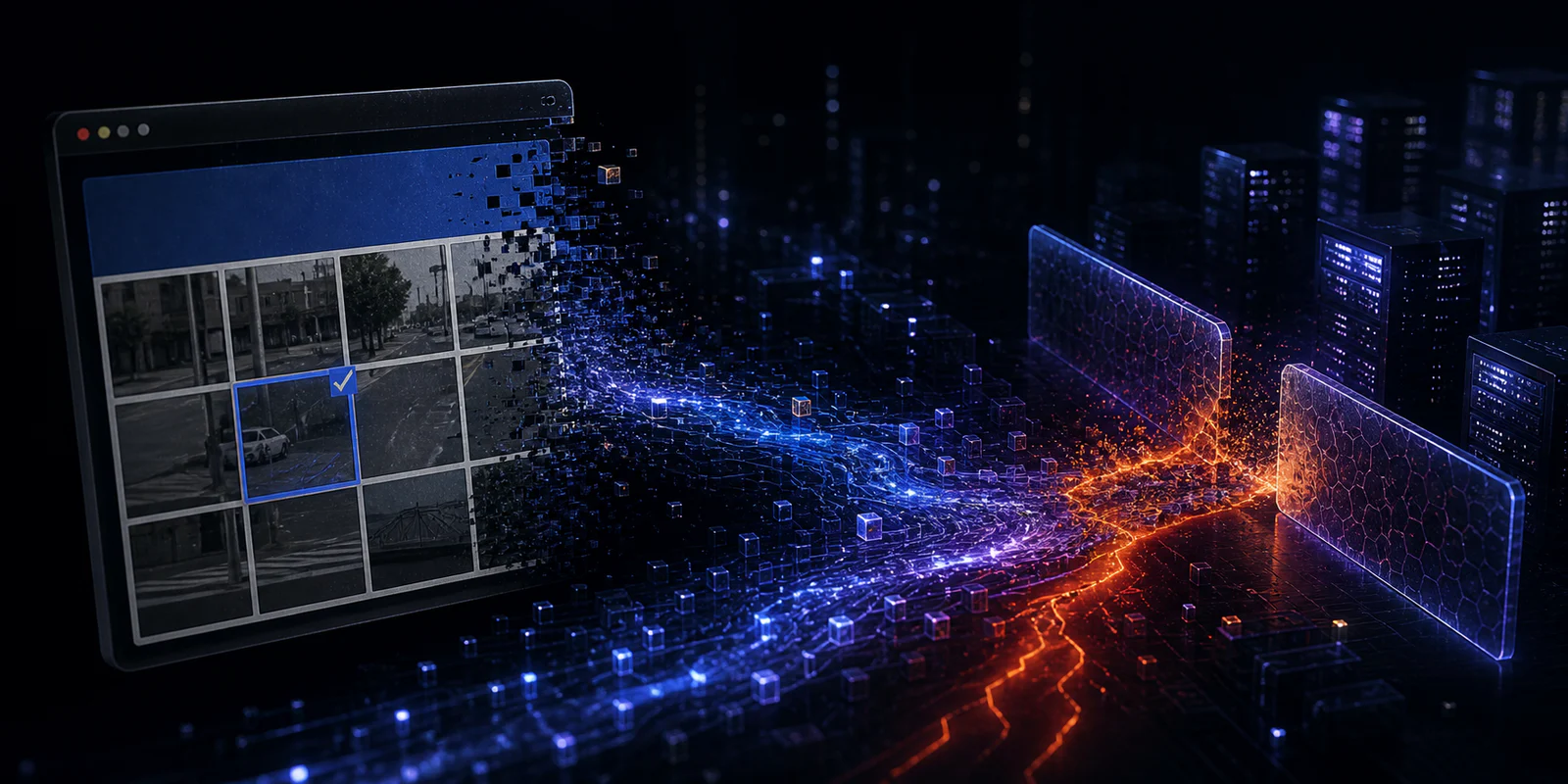
A browser page that tells a visitor to open Windows Terminal or PowerShell and paste a “verification” command should be treated as a security event, not as an unusual CAPTCHA. That is the practical lesson from Microsoft’s August 28 TerminalFix report, which describes a ClickFix-style campaign that can turn one executed command into persistent access to a victim’s network.
The important distinction is scope. A fake CAPTCHA may look like a web nuisance, but Microsoft says the observed chain can proceed from a compromised website to a concealed tunnel capable of relaying TCP connections through the affected Windows device. For an organization, that changes the first question from “which tab did the user open?” to “what could this host see and reach after execution?”
What Microsoft says it observed
According to Microsoft Threat Intelligence, TerminalFix starts with a compromised website that replaces the expected page with a counterfeit Cloudflare Turnstile-style verification screen. Interacting with it places a PowerShell command on the clipboard; the page then directs the user to paste it into Windows Terminal or PowerShell.
If the command is run, Microsoft’s analysis says it downloads an archive into a ProgramData folder and uses a legitimate signed Windows binary, LockScreenContentServer.exe, to load a malicious adjacent DLL. Later stages retrieve payload material hidden in image files, create persistence, collect Active Directory information, and start a Python-based component that connects outward over TLS and WebSocket.
Microsoft characterizes the resulting capability as a reverse tunnel with SOCKS-style TCP proxy access. In plain terms, the compromised endpoint can become a bridge from the attacker’s infrastructure into services that are reachable from that endpoint. That is especially consequential for a domain-joined workstation, because its network position may be more valuable than the initial browser visit.
Why the triage threshold should be higher
Many ClickFix lures rely on a person to run the command themselves. That can mislead responders into treating the event as a failed social-engineering attempt. The TerminalFix chain described by Microsoft includes more than a one-off downloader: it uses DLL sideloading, multiple persistence mechanisms, reconnaissance, and a channel designed to proxy later connections.
That does not prove that every exposed organization suffered data theft, ransomware, or privilege escalation. Microsoft reports the access mechanism and the observed behaviors; it does not establish those later outcomes for every victim. The right response is therefore cautious containment and investigation rather than an unsupported claim about impact.
A practical response path
- If a user only saw the prompt: close the page and ensure no command is pasted or run. A legitimate browser verification should not require opening the Run dialog, PowerShell, or Windows Terminal.
- If a command was pasted or executed: isolate the device according to the organization’s incident-response procedure and preserve relevant evidence before making broad cleanup changes.
- Hunt beyond the browser: review PowerShell and process telemetry, new or unusual ProgramData content, scheduled tasks, Run keys, unexpected DLL loads, and outbound connections. Microsoft provides Defender XDR hunting queries and detection names in its report.
- Assess reachable credentials and systems: because the reported implant can act as a network pivot, prioritize credential review and scoping based on what the affected host could access.
- Use the official guidance: validate indicators and detections against Microsoft’s current report rather than relying solely on static domain blocks, since attacker infrastructure can change.
The durable user-facing rule
Security training often tells people not to download suspicious files. TerminalFix underscores a related rule that deserves equal prominence: websites do not need users to run operating-system commands to prove they are human. Any page asking for that action should be abandoned and reported.
Independent analysis from Gridinsoft reaches the same operational conclusion: after execution, responders should investigate the full host and its network context rather than simply close the browser or remove one visible file. The authoritative technical details and Microsoft-specific detections remain in Microsoft’s primary report.
Sources and image rights
Primary source: Microsoft Security Research, “TerminalFix campaign deploys a reverse tunnel through multistage intrusion” (August 28, 2026).
Corroborating context: Gridinsoft, “TerminalFix Turns Fake CAPTCHA Into a Network Tunnel” (August 29, 2026).
Cover image: “Computer Security - Padlock,” perspec_photo88 via Flickr, licensed CC BY-SA 2.0. The image is a generic security illustration and does not depict the TerminalFix campaign.