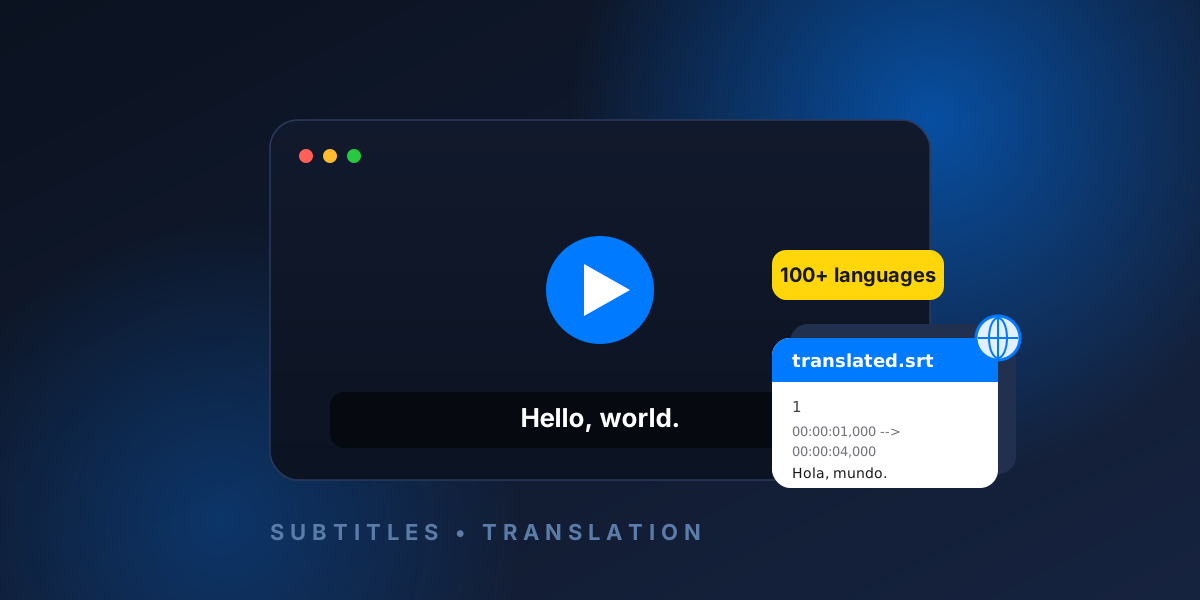
To translate subtitles online, upload your subtitle file (.srt, .vtt, or .ass) to a subtitle translator such as RelaySub, choose a target language, and download the translated file. A good translator changes only the text and keeps every timestamp, so the translated subtitles stay perfectly in sync with the video — no software to install and nothing to set up.
This guide walks through exactly how to translate a subtitle file, what to expect, and how to get the cleanest possible result.
Why translate subtitles?
- Reach a wider audience — a single video can be understood by viewers who speak a different language.
- Accessibility — translated captions help non-native speakers follow along.
- Learning — language learners often watch with subtitles in two languages.
- Localization — creators and studios ship one video with subtitle files for many regions.
How to translate a subtitle file online (step by step)
- Open a subtitle translator. RelaySub runs entirely in your browser, so there's nothing to download.
- Upload your subtitle file. Drag and drop your
.srt,.vtt, or.assfile, or click to browse. - Choose a target language. Pick from more than 100 languages, including right-to-left languages such as Arabic, Persian, and Hebrew.
- Translate. The tool translates every line in fast batches while preserving the original timings.
- Review and edit. Fine-tune any translated line so it reads naturally.
- Export. Download a clean translated file in the same format you uploaded.
Try RelaySub — translate subtitles free →
Will translating change the subtitle timing?
No — not if you use a tool that translates text only. RelaySub keeps every subtitle number and start/end timestamp exactly as they were, so the translated subtitles appear at the same moments as the original. This is the single most important thing to get right: a translation that drifts out of sync is unusable.
Which subtitle formats can you translate?
RelaySub works with the three most common formats and exports back to the same one:
Not sure which file you have? Read what an SRT file contains or compare SRT, VTT, and ASS formats before translating.
| Format | Extension | Typical use |
|---|---|---|
| SubRip | .srt | Universal — works almost everywhere |
| WebVTT | .vtt | HTML5 / web video players |
| Advanced SubStation | .ass / .ssa | Styled subtitles (fonts, colors, positioning) |
With ASS files, only the dialogue text is translated — all of your styling, fonts, and positioning are preserved.
How many languages can you translate into?
RelaySub supports more than 100 target languages. Right-to-left languages like Arabic, Persian, Urdu, and Hebrew are detected and displayed correctly, so the translated lines read the right way.
Manual vs automatic subtitle translation
Translating hundreds of lines by hand is slow and it's easy to accidentally break a timestamp. Automatic translation does the heavy lifting in seconds, and the best approach combines both: let the tool translate everything, then quickly review and edit the lines that matter most. RelaySub is built around exactly this workflow — translate fast, then edit each line before you export.
Tips for better subtitle translations
- Review the result. Machine translation is fast but not perfect — skim the lines and fix anything awkward.
- Keep lines short. One or two short lines per subtitle are easiest to read in time.
- Mind right-to-left languages. Make sure punctuation and direction look correct.
- Keep the original file. Always keep a copy of your source subtitles before exporting.
Frequently asked questions
How do I translate an SRT file for free?
Upload your .srt file to RelaySub, choose a target language, press Translate, then download the translated .srt. It's free and runs in your browser.
Does translating subtitles keep the timing?
Yes. RelaySub translates only the text and preserves every timestamp, so the translation stays in sync with the video.
Can I edit the translation before downloading?
Yes. You can edit any translated line before exporting the finished file.
Is my subtitle file uploaded or stored anywhere?
Your subtitles are used only to produce the translation and are not stored or shared.